Docker revolutionized software deployment, and in 2026 it remains the foundation of modern DevOps. Whether you're deploying a Node.js API, Python ML model, or React app, containers ensure your code runs identically everywhere.
🐳 What Is Docker?
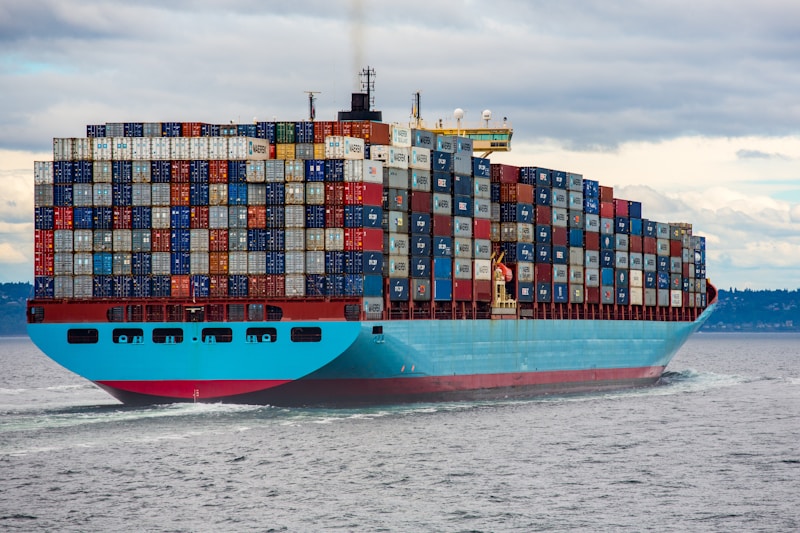
Docker packages your application and all its dependencies into a container — a lightweight, portable, self-sufficient unit that runs consistently on any machine. Think of it as a shipping container for software.
📦 Core Concepts
- Image: A read-only template (like a class)
- Container: A running instance of an image (like an object)
- Dockerfile: Instructions to build an image
- Registry: Storage for images (Docker Hub, GitHub Container Registry)
- Volume: Persistent data storage
- Network: Container communication
💻 Your First Dockerfile
# Node.js Application
FROM node:20-alpine AS base

WORKDIR /app
COPY package*.json ./
RUN npm ci --only=production

# Build stage
FROM base AS build
RUN npm ci
COPY . .
RUN npm run build

# Production stage (multi-stage = smaller image!)
FROM node:20-alpine AS production
WORKDIR /app
COPY --from=base /app/node_modules ./node_modules
COPY --from=build /app/dist ./dist
COPY package.json .

EXPOSE 3000
USER node
CMD ["node", "dist/server.js"]
🔧 Docker Compose for Full Stack
# docker-compose.yml
version: '3.9'

services:
  app:
    build: .
    ports:
      - "3000:3000"
    environment:
      - DATABASE_URL=postgresql://user:pass@db:5432/mydb
      - REDIS_URL=redis://cache:6379
    depends_on:
      db:
        condition: service_healthy
      cache:
        condition: service_started

  db:
    image: postgres:16-alpine
    volumes:
      - pgdata:/var/lib/postgresql/data
    environment:
      POSTGRES_USER: user
      POSTGRES_PASSWORD: pass
      POSTGRES_DB: mydb
    healthcheck:
      test: ["CMD-SHELL", "pg_isready -U user"]
      interval: 5s
      timeout: 5s
      retries: 5

  cache:
    image: redis:7-alpine
    ports:
      - "6379:6379"

volumes:
  pgdata:
🏗️ Essential Docker Commands
# Build and run
docker build -t myapp:latest .
docker run -d -p 3000:3000 --name myapp myapp:latest

# Docker Compose
docker compose up -d          # Start all services
docker compose logs -f app    # Follow logs
docker compose down -v        # Stop and remove volumes

# Debugging
docker exec -it myapp sh      # Shell into container
docker stats                   # Monitor resources
docker system prune -a        # Clean unused images
📊 Image Size Optimization
| Base Image | Size | Use Case |
|---|---|---|
| node:20 | ~1 GB | Development only |
| node:20-slim | ~200 MB | Good balance |
| node:20-alpine | ~130 MB | Production (recommended) |
| distroless | ~30 MB | Maximum security |
🔑 Best Practice: Always use multi-stage builds to keep production images small. Use
.dockerignore to exclude node_modules, .git, and test files. Pin exact image versions for reproducibility.